 Glowchord
For guitar and ukulele
The songbook that plays along with you
Add your own songs, transpose in one tap, and play together around the fire – on iPhone and iPad.

- Free
- No account
- No ads
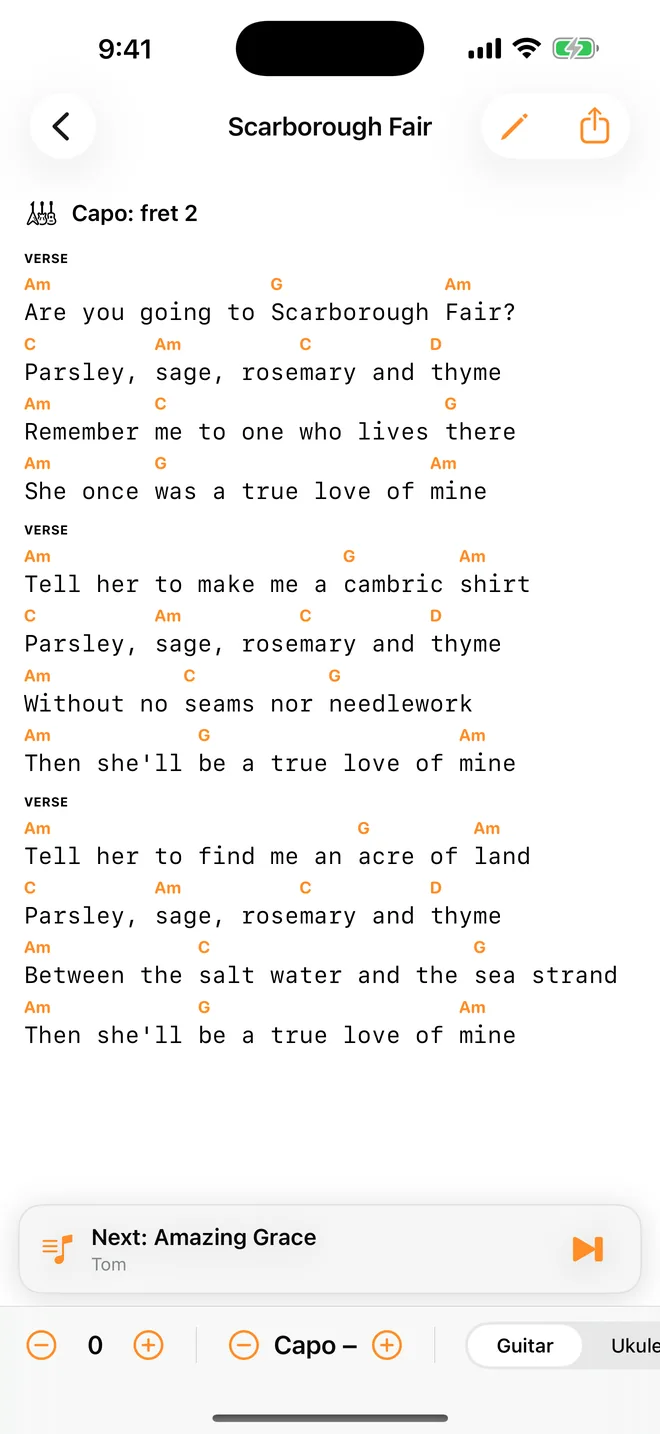
Add your own songs in one tap
Paste text with chords, or tap Share → Glowchord in Safari. The song is saved with every chord right above its syllable.
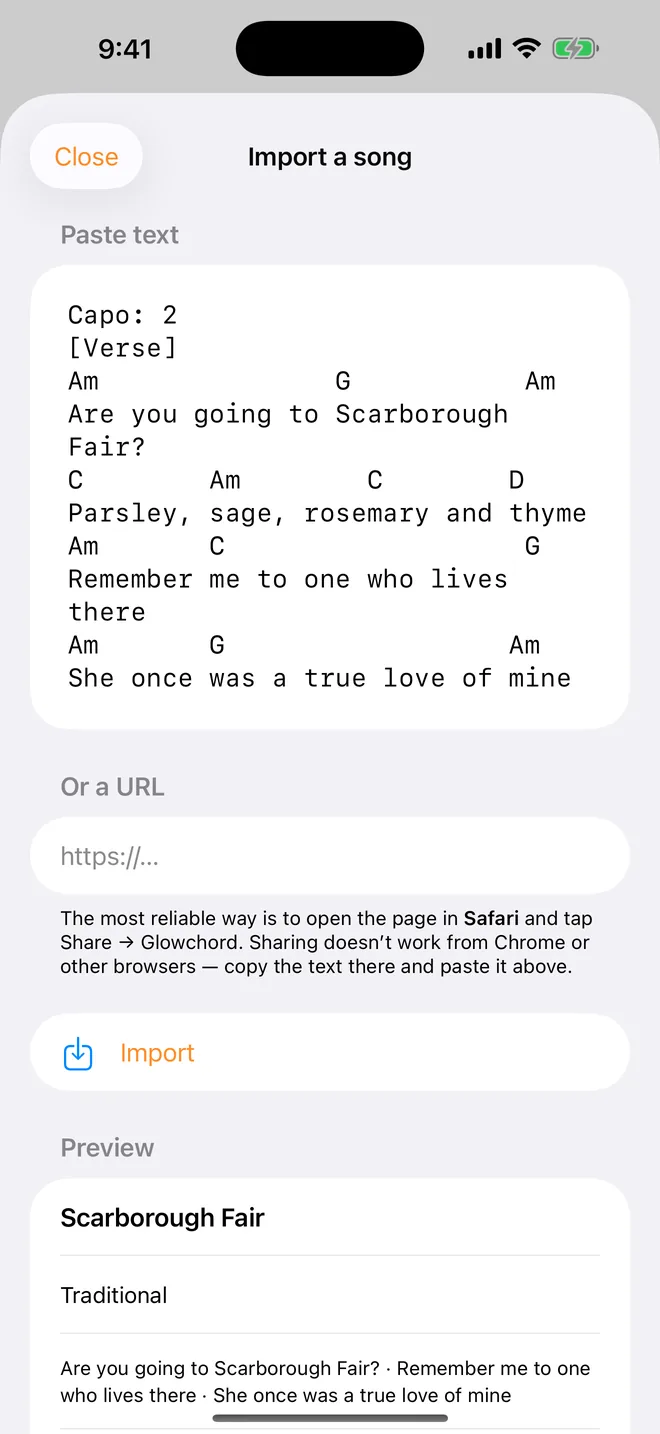
Play in the key that suits you
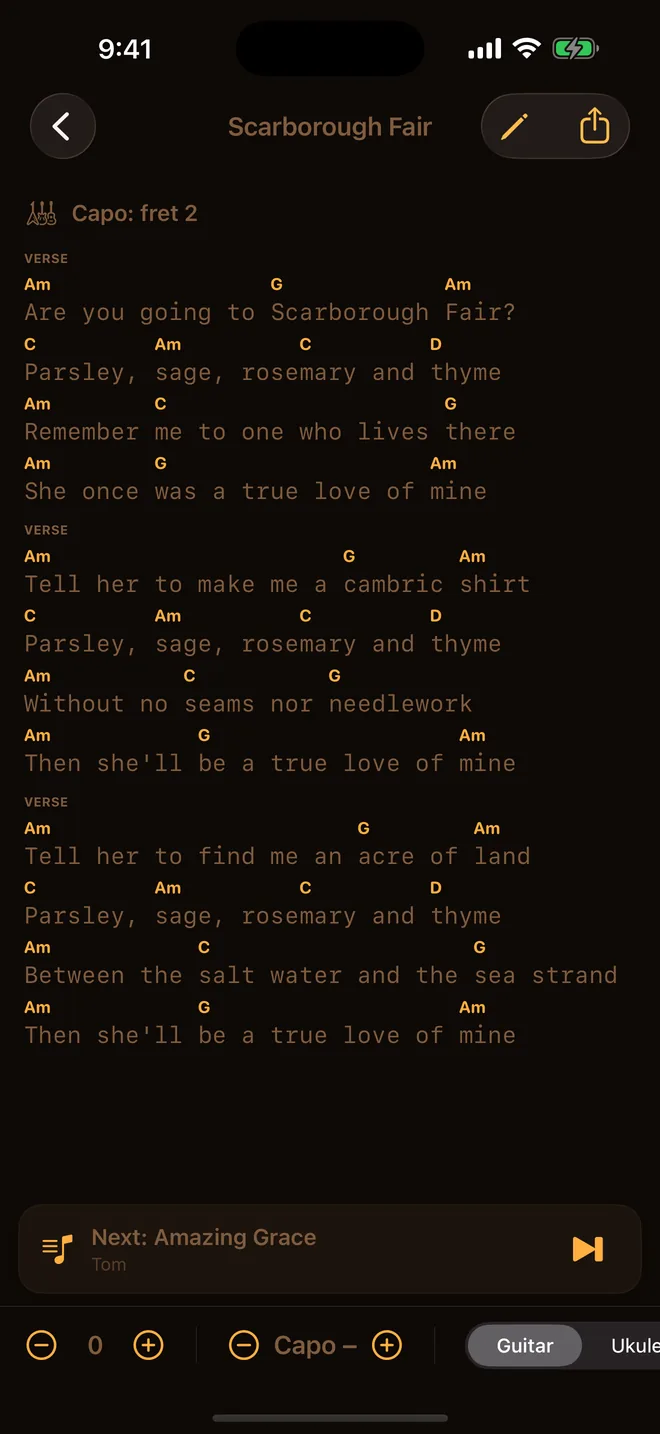
Transpose and set a capo in one tap, with chord diagrams for guitar and ukulele. Every song remembers how you play it.
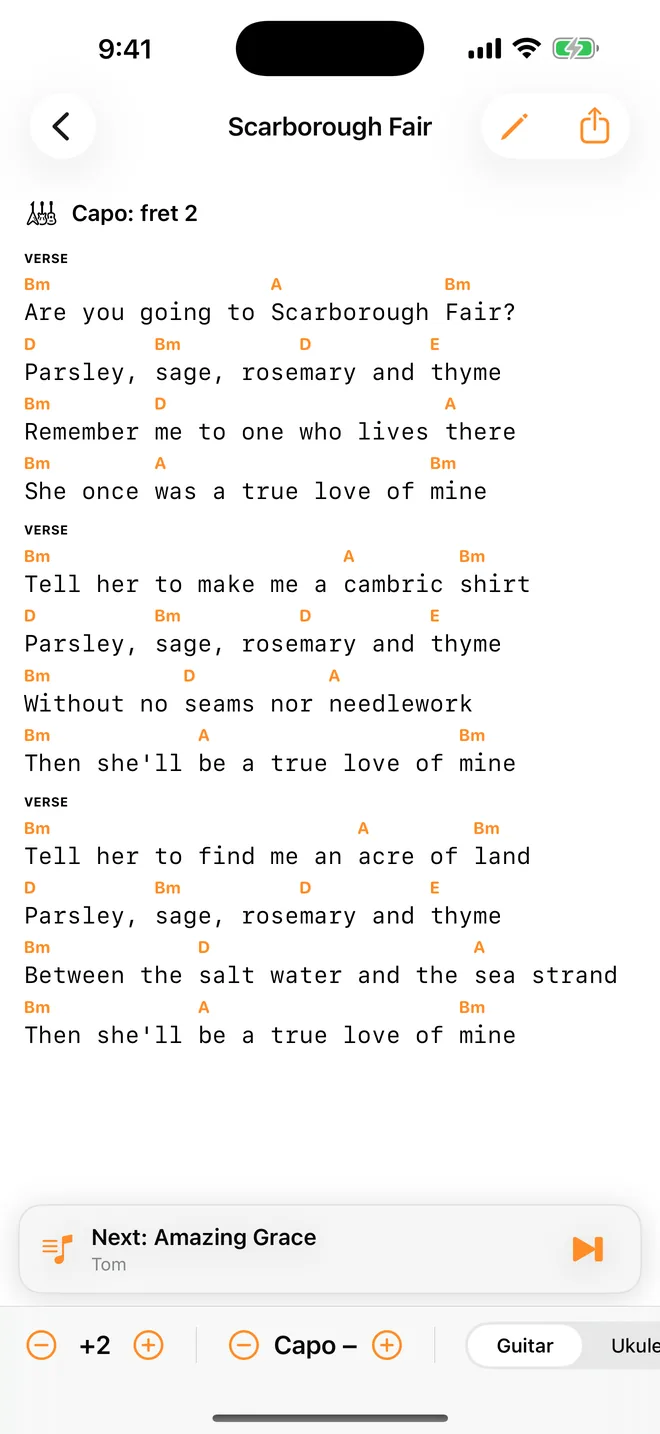
Everyone sees the same song
The host picks, everyone else requests songs from the host’s songbook. Works nearby over Wi-Fi and Bluetooth – no internet, no account.
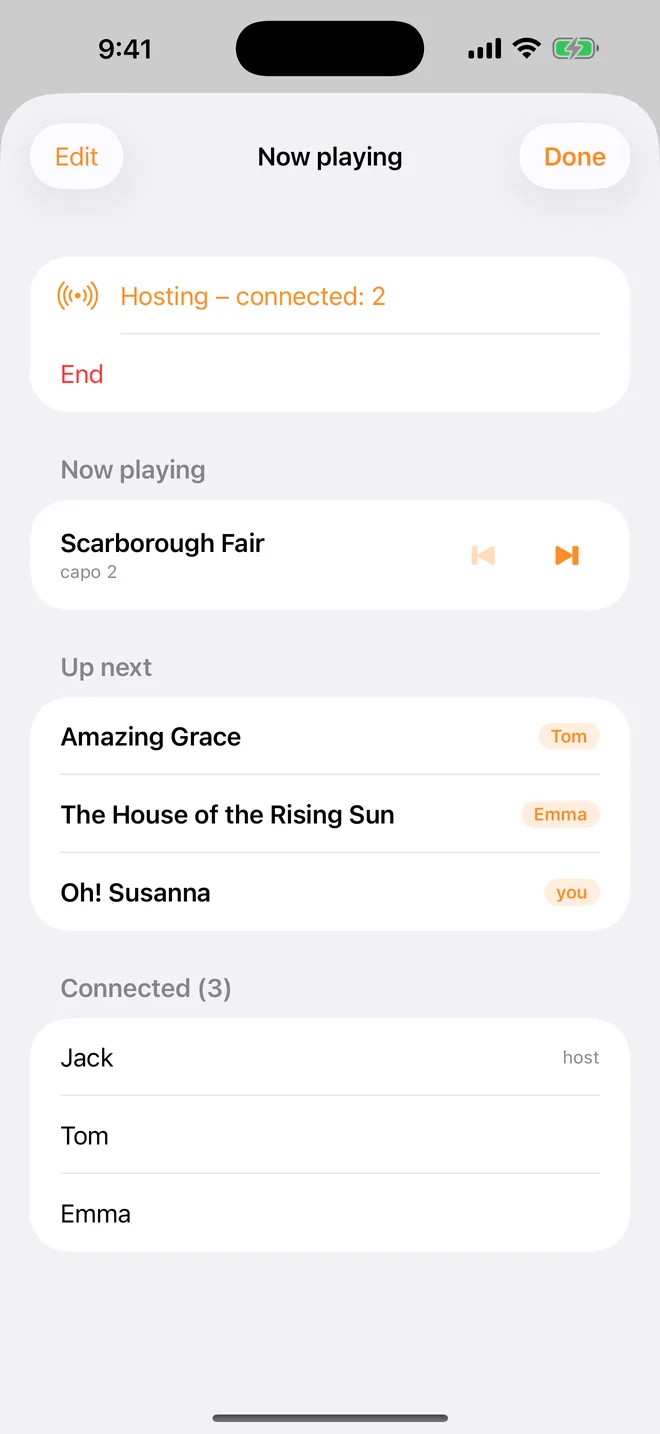
Night mode for the campfire
Warm colours with no blue light that won’t glare in the dark. The screen stays on while you play, and the lyrics scroll by themselves.
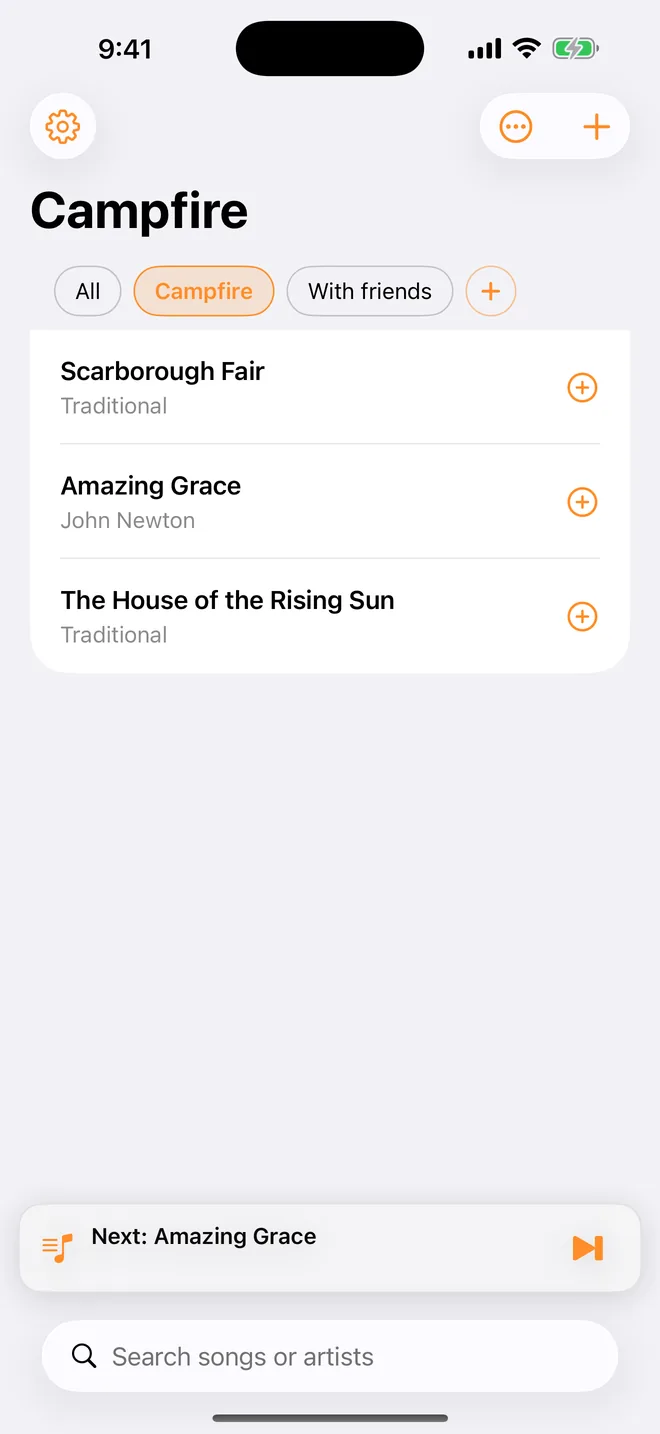
A collection for every evening
Sort songs into setlists – for the campfire, rehearsal or a wedding – and play a whole collection in one go.
How songs get into Glowchord
- 1
Open your song in Safari
- 2
Tap Share → Glowchord
- 3
Play, transpose, play together
Free forever. Pro once and for good.
Free
Forever
- Up to 20 songs in your songbook
- Transpose, capo and chord diagrams
- Playing together – host or join
- Night mode and auto-scroll
Glowchord Pro
One-time purchase
- Unlimited songs
- Collections and setlists
- Sync across your devices
- Family Sharing
No subscription. Pay once and it’s yours.
Your songs stay yours
No account, no ads. Songs are stored on your device and, with iCloud, only in your own private storage.
Questions
Grab your guitar.
Glowchord is free on iPhone and iPad.